Templates and calculation settings
What the calculation settings contain
| Table | What it defines |
|---|---|
| Breaker table | Ratings a breaker is selected from and the interrupting rating of each |
| Wire family | Conductor material, size unit and the wire types of the family |
| Wire type | Temperature rating and, per size, ampacity, resistance, reactance and diameter |
| Adjustment factor table | A factor per number of conductors in one circuit |
| Temperature factor table | A factor per ambient temperature range and conductor temperature rating |
| Ground conductor table | A copper and an aluminium ground size per breaker rating |
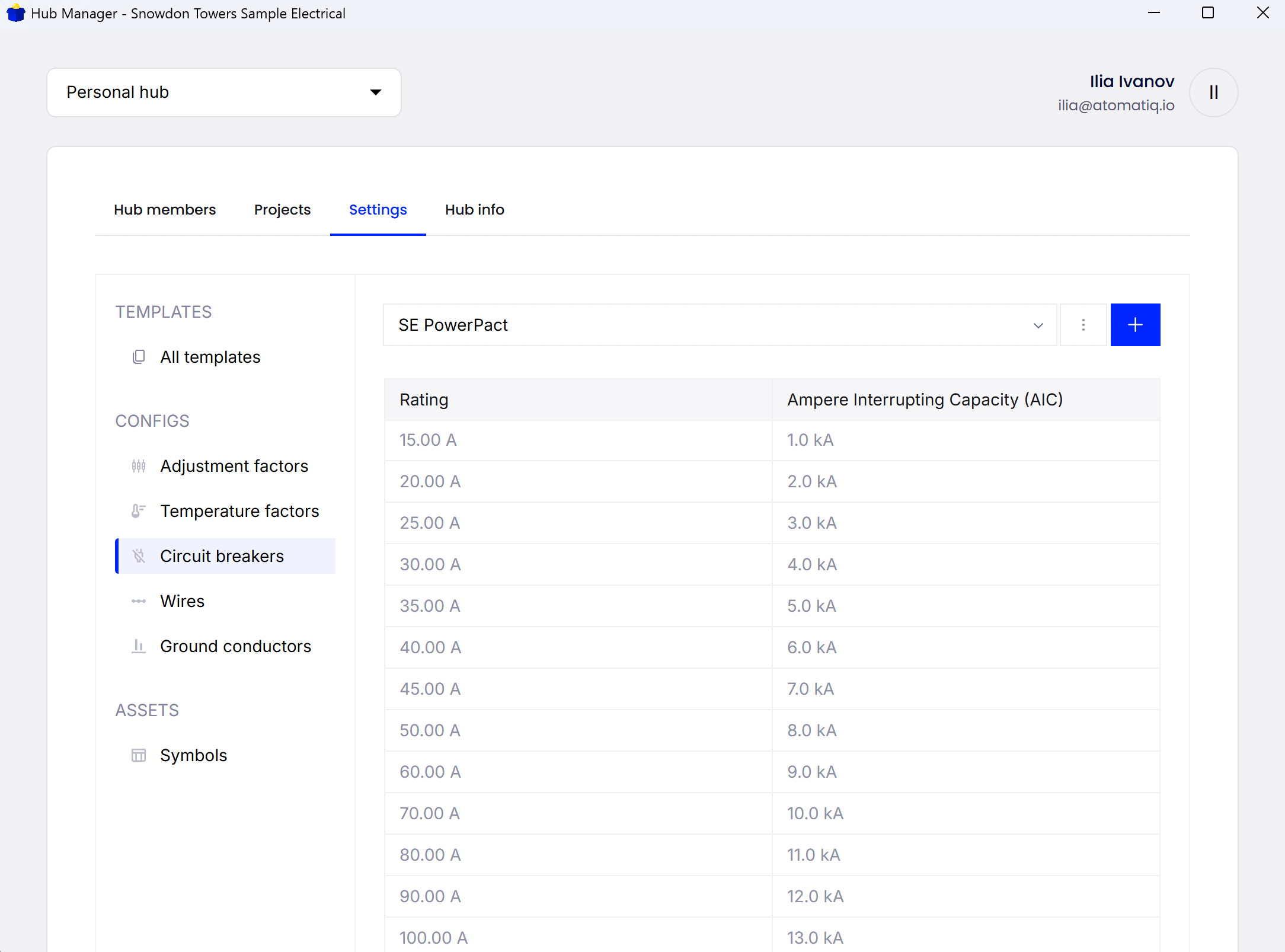
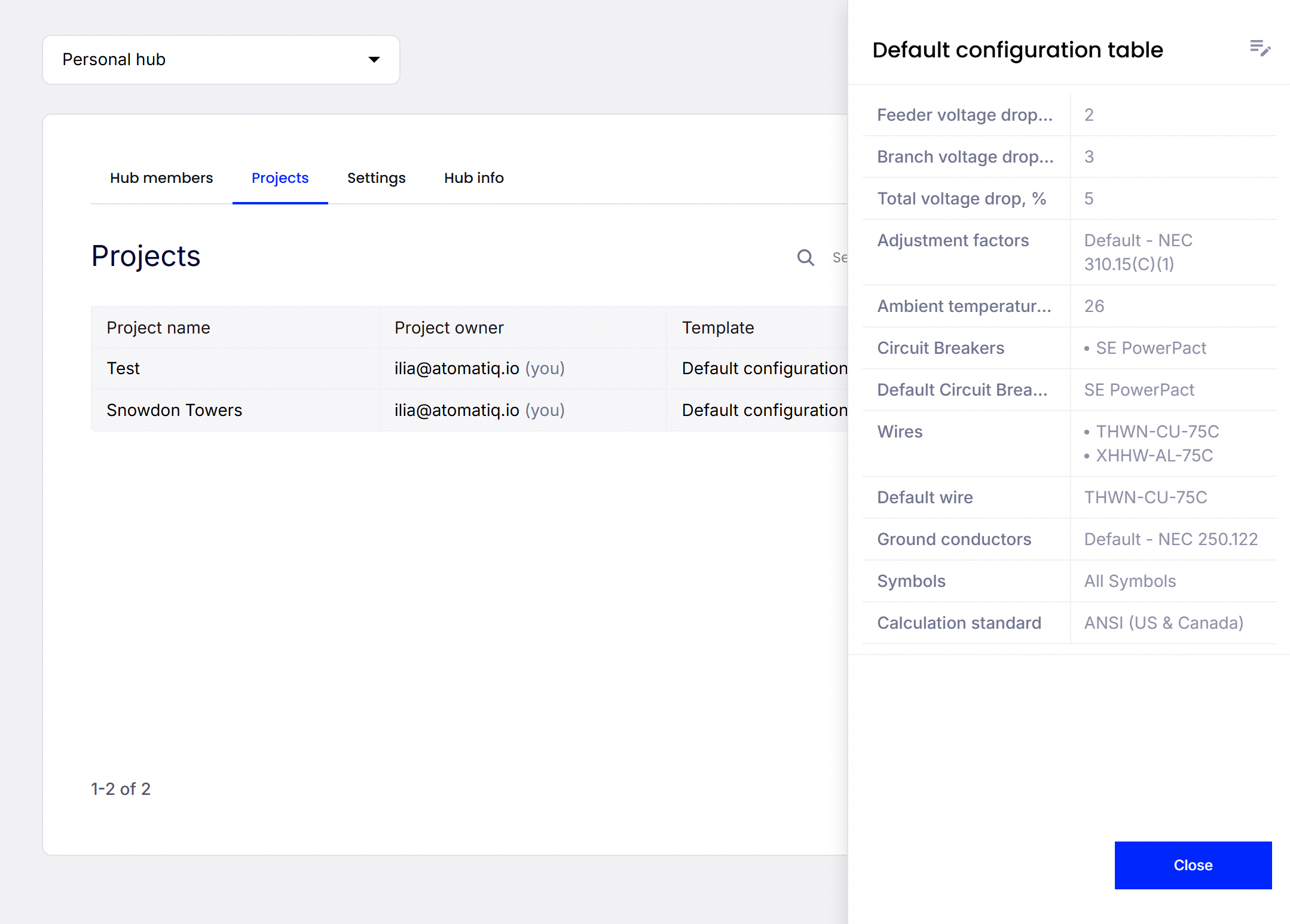
The template of a project sets the voltage drop limits of branch circuits and feeders, the ambient temperature, the calculation standard (ANSI or IEC), the default and allowed breaker tables and wire types, and the adjustment factor and ground conductor tables. A circuit uses the template defaults until you choose another table for it.
Which settings a model uses
| Model | Settings |
|---|---|
| Connected, hub reachable | The hub settings with the project template |
| Connected, hub unreachable | The copy stored in the model at the last calculation |
| Not connected, or no stored copy | The built-in Default configuration table: ANSI, 3 % branch and 2 % feeder voltage drop, 25.56 °C |
When the settings change, the open models of the hub recalculate. Changes saved by a colleague arrive when a model of the hub opens or becomes active, and after Reload Latest or Synchronize with Central.
Note: Voltages, loads and currents come from Revit. The settings define no demand factors, installation methods or conduit fill tables.