Circuit type and virtual transformers
Change the circuit type
Click the type icon of a circuit and choose Branch Circuit or Feeder. The change is one undo step, Switch type, followed by a recalculation; later calculations keep your choice. A circuit fed by a transformer is always a feeder.

Add a virtual transformer
A virtual transformer stands above a root panel and exists only in Electric Pack: the model has no element for it.
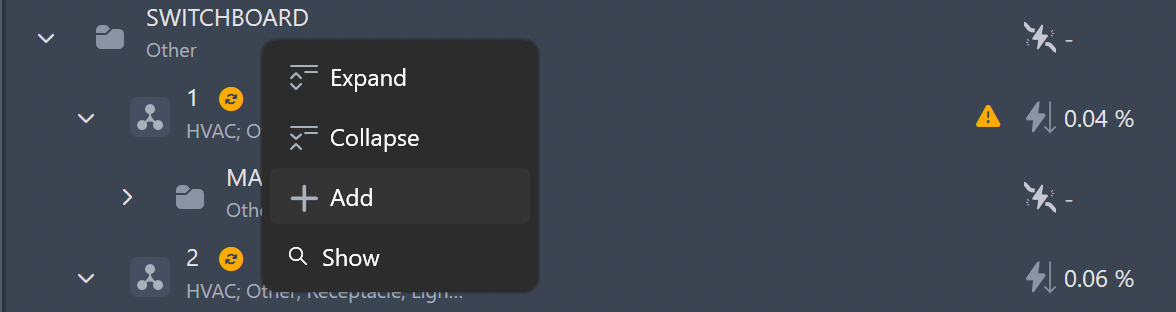
- Right-click a root panel and choose Add (undo step Add virtual transformer).
- Select the transformer and enter its values in Properties. Values you don't enter use defaults.
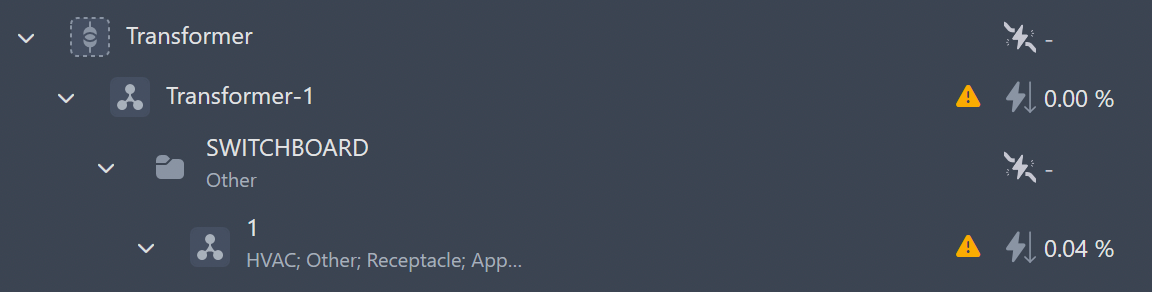
To remove it, right-click the virtual transformer and choose Delete; its feeder circuit is removed with it.