Opening Manager: finding intersections, adding and aligning openings
Click Opening > Opening Manager to list every crossing of the model, grouped under Intersection and Opening. Each row shows the element and host types, the model of the host, the level, the opening type, offset and size, its mark, and whether it is Aligned.
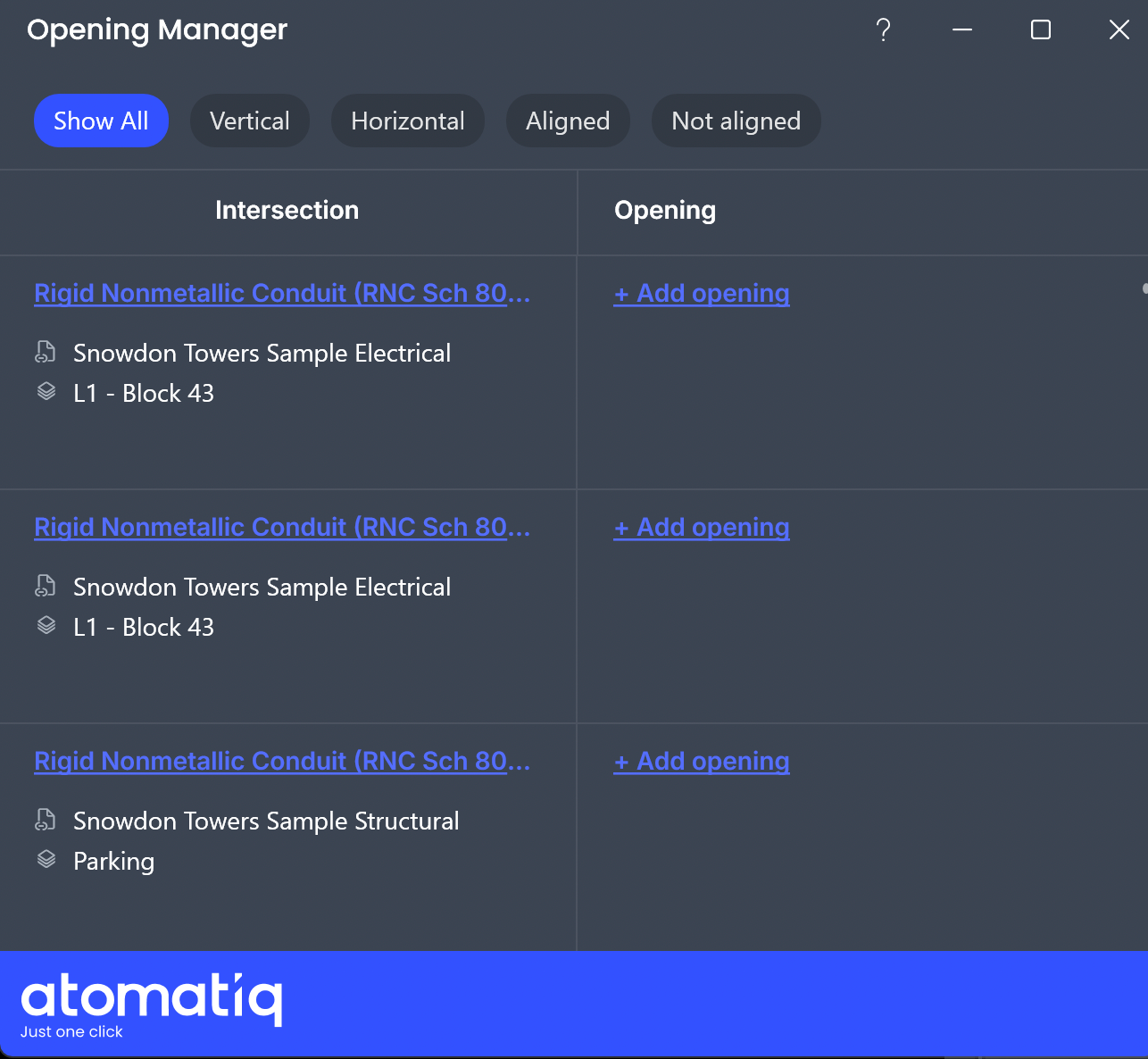
- Filter with Show All, Vertical, Horizontal, Aligned and Not aligned.
- Click a crossing name to select and zoom to it; click a mark to select the opening.
- + Add opening adds an opening to a crossing without one; Edit opening changes an existing one.
- Align opening moves a Not aligned opening back to the crossing point (undo step Move opening).
An opening counts as aligned within 0.1 ft of the crossing point; moving the conduit or the host breaks the alignment.