Connecting a model to a project
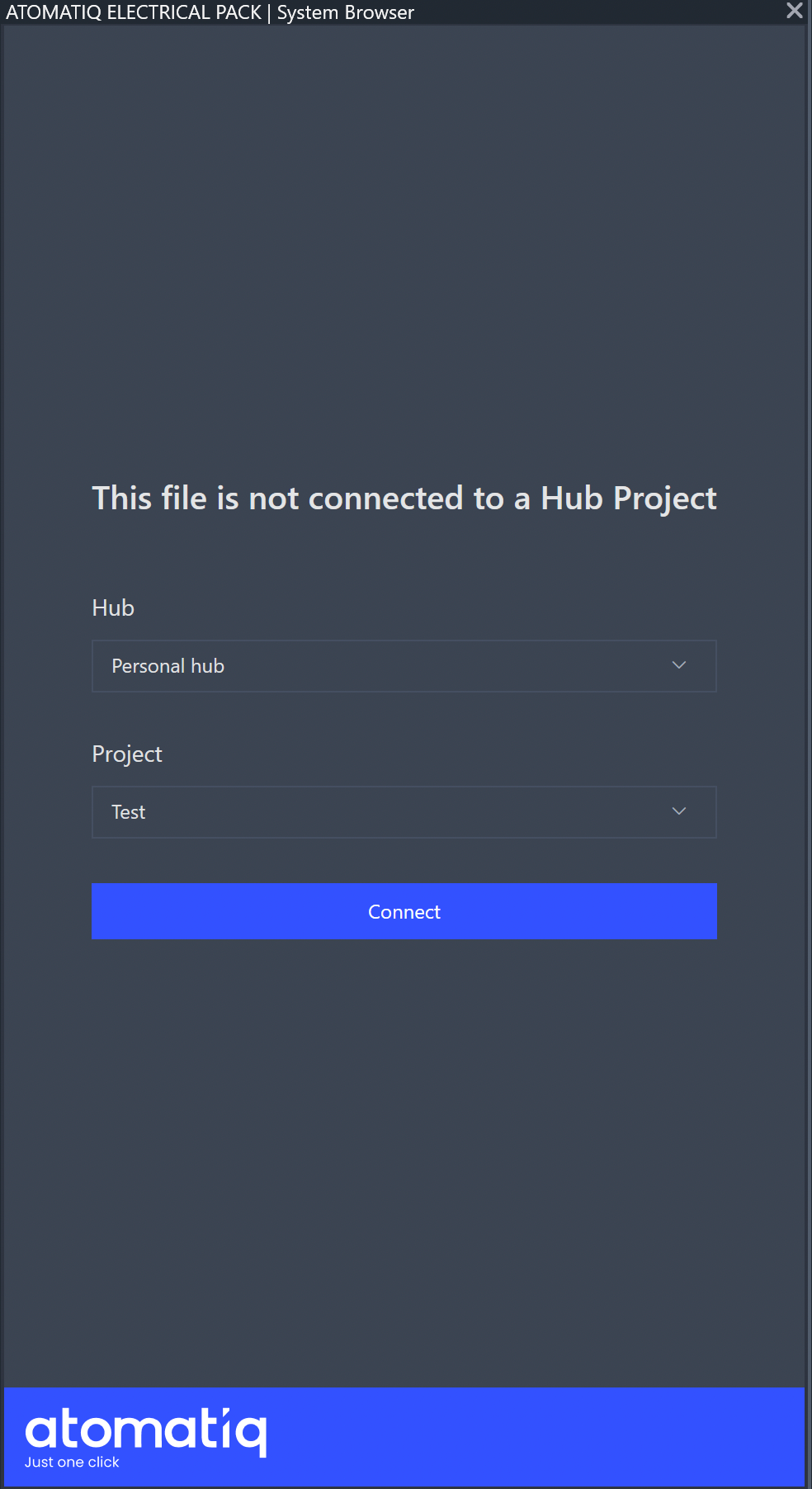
- Open the model and click System Browser.
- Select a hub in Hub, or choose + Create new and enter a Hub name.
- Select a project in Project, or choose + Create new and enter a Project name.
- Click Connect.
The strip above the tree shows Hub > Project, and the model recalculates with the settings of the project.
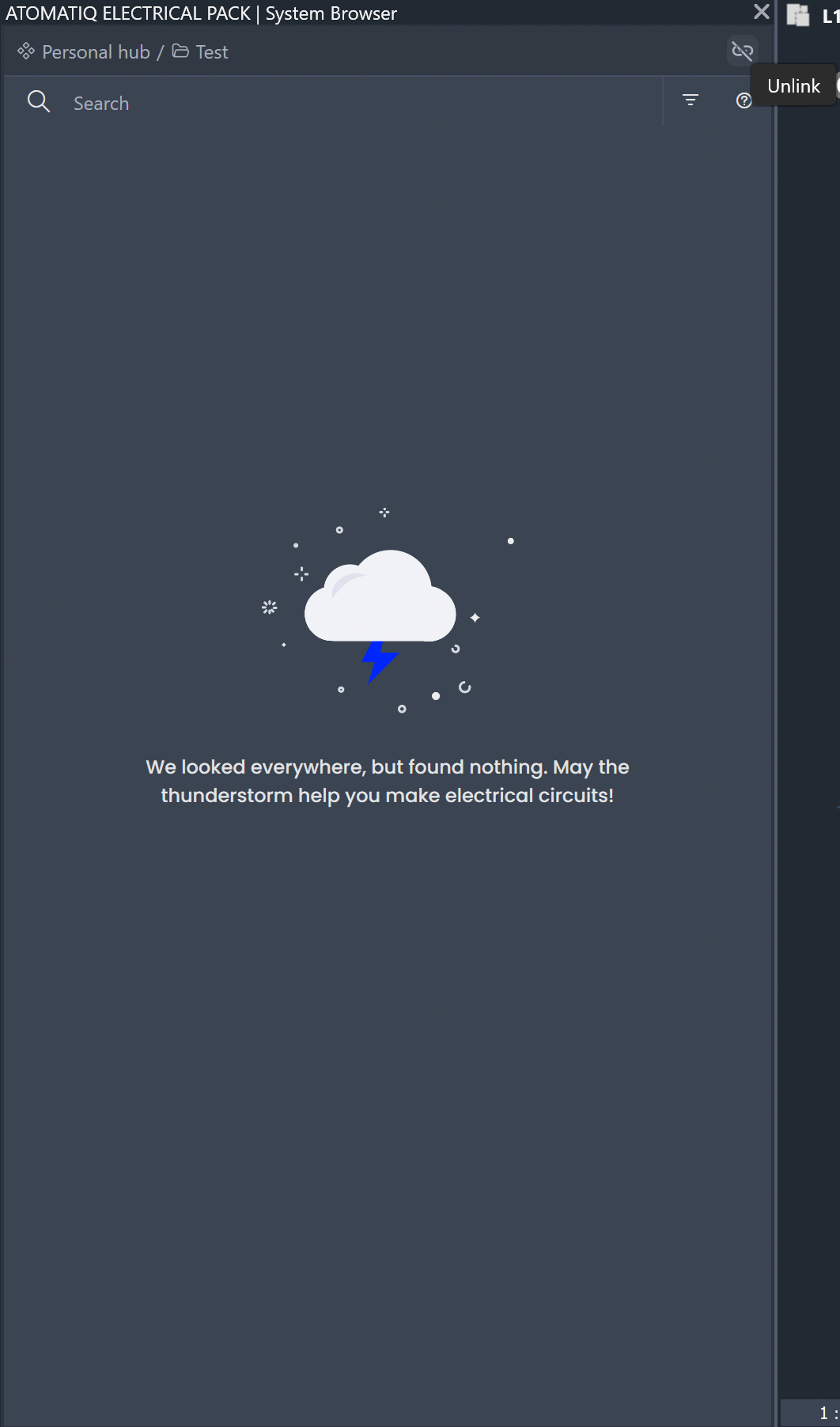
- Switch project: click Unlink in the strip and connect again.
Note: Until a model is connected, only Account, Hubs, System Browser and MCP Server are available.