Editing elements and tags
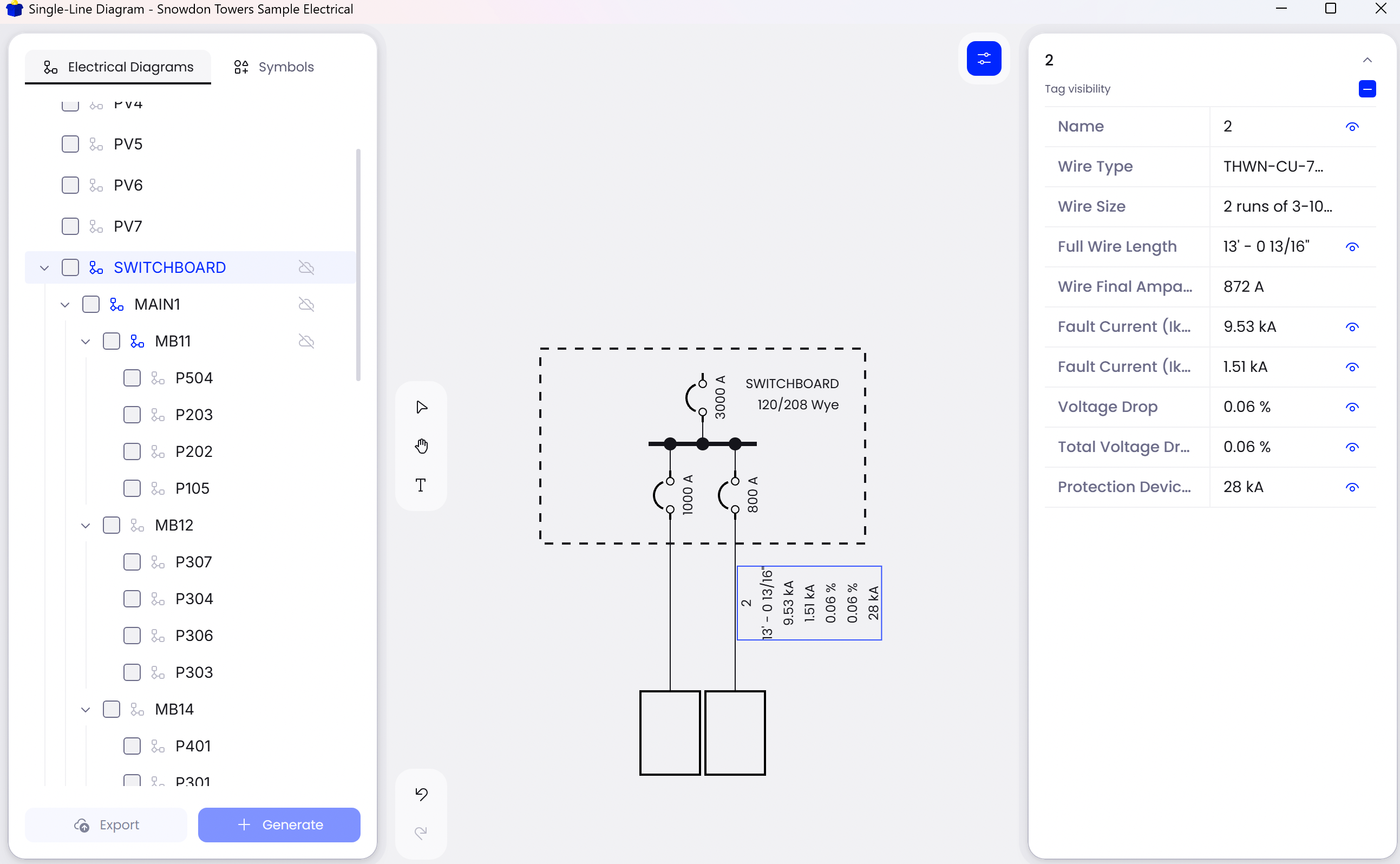
- Select an element on the canvas. Its parameters appear on the right.
- Tick Tag visibility to show a value next to the symbol.
- Set the angle and position of the tag under Tag angle & position.
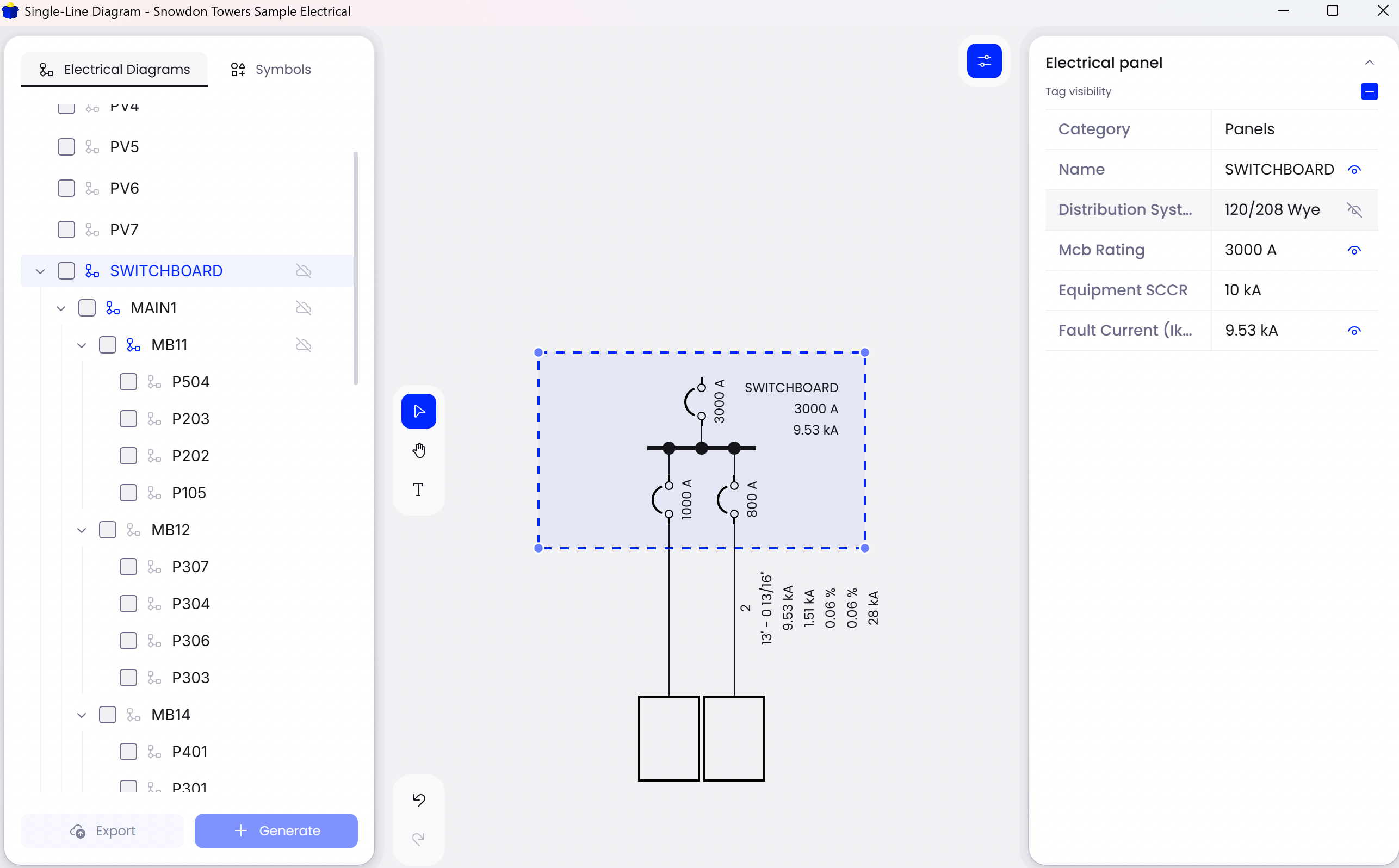
Main breaker rating: the main breaker rating you confirm for a panel is written to the model (undo step Change MCB rating). It is the only value the editor writes to the model directly.