Exporting diagrams to Revit
The export draws every scheme as a drafting view named after the scheme, in one undo step named Atomatiq Electric Pack Schema creation.
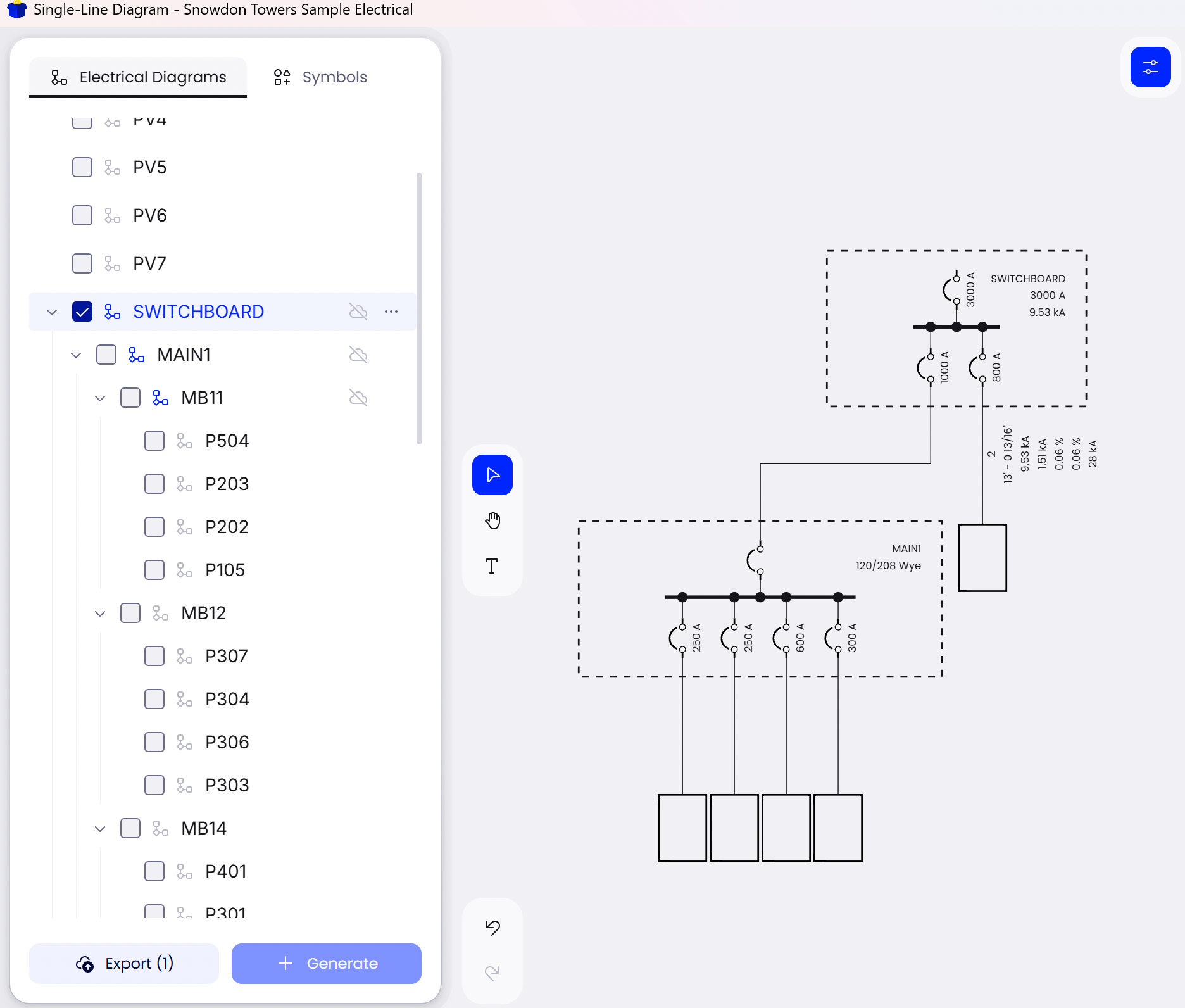
- A view with the same name is cleared and drawn again.
- Panel outlines use the line style Atomatiq Panel line (dashed), busbars Atomatiq Busbar line.
- Custom symbols become detail item families built from their drawing; standard symbols are downloaded and loaded when the model lacks them.
- Every visible tag becomes a text note with its value at export time. Export again after a recalculation to update the values.
- Text size follows the view scale: metric models use 1.5–3.5 mm text (2.5 mm at 1:10), imperial models 1/16” to 9/64” (3/32” at 1 1/2” = 1’-0”). Changing the view scale resizes the text in the same undo step.
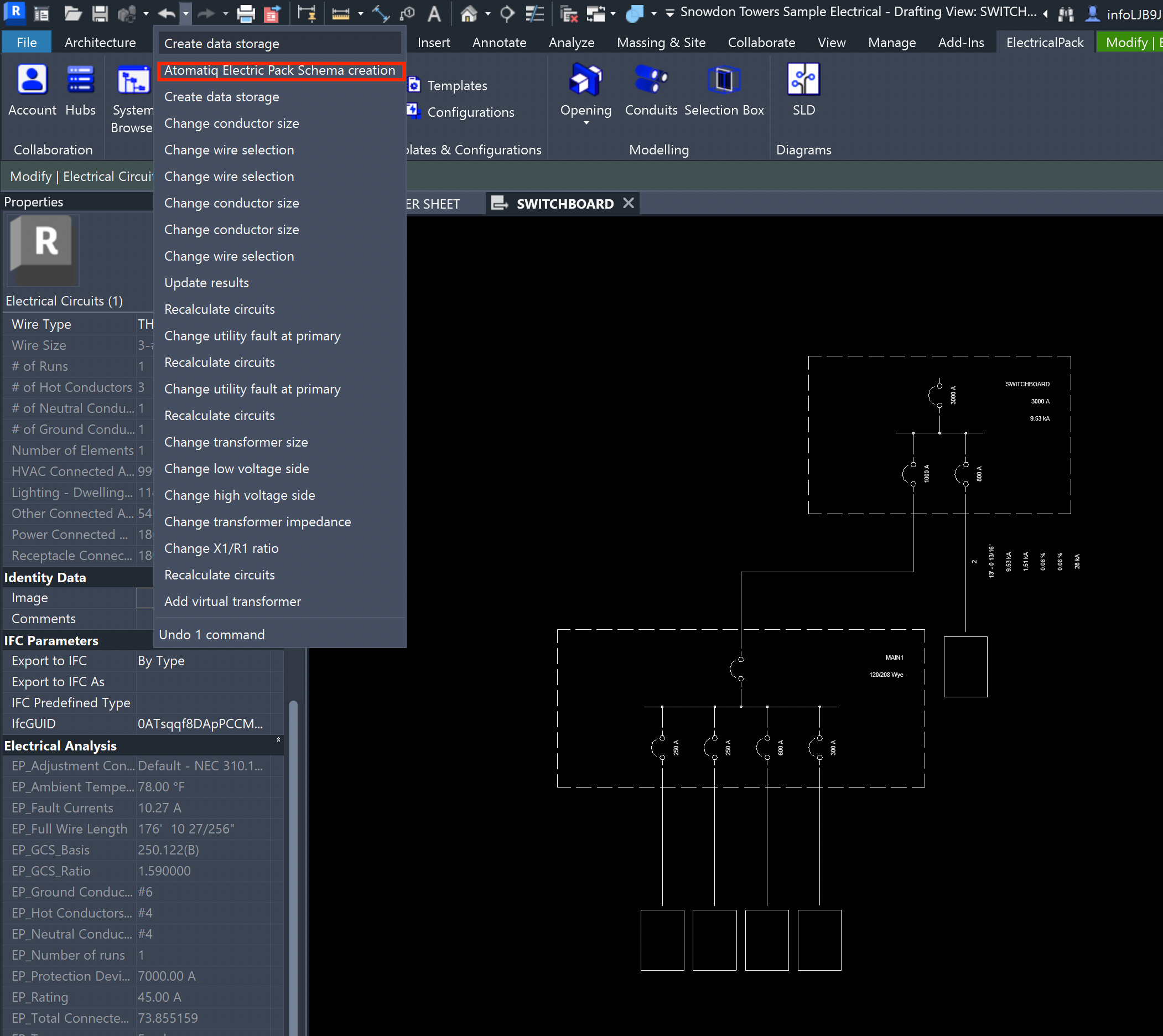
Saving: the diagram is saved into the model when the editor closes and when you save the model in Revit.
Note: Closing the model without saving discards the diagram changes.
Tip: Schema export cancelled means some panel names contain characters Revit doesn't allow in view names. Rename those panels and export again.