Hubs and projects
A hub is the workspace of a team: it stores the calculation settings and templates the team designs with, and groups the team's projects. A project is one job inside a hub and calculates with one template. Each Revit model is connected to one project, and the hub and project decide which settings the model calculates with.
Open the Hub Manager
| Button | Panel | Opens |
|---|---|---|
| Hubs | Collaboration | Your hubs and their projects |
| Templates | Templates & Configurations | The calculation templates of the hub |
| Configurations | Templates & Configurations | The calculation settings of the project |
Create a hub and projects
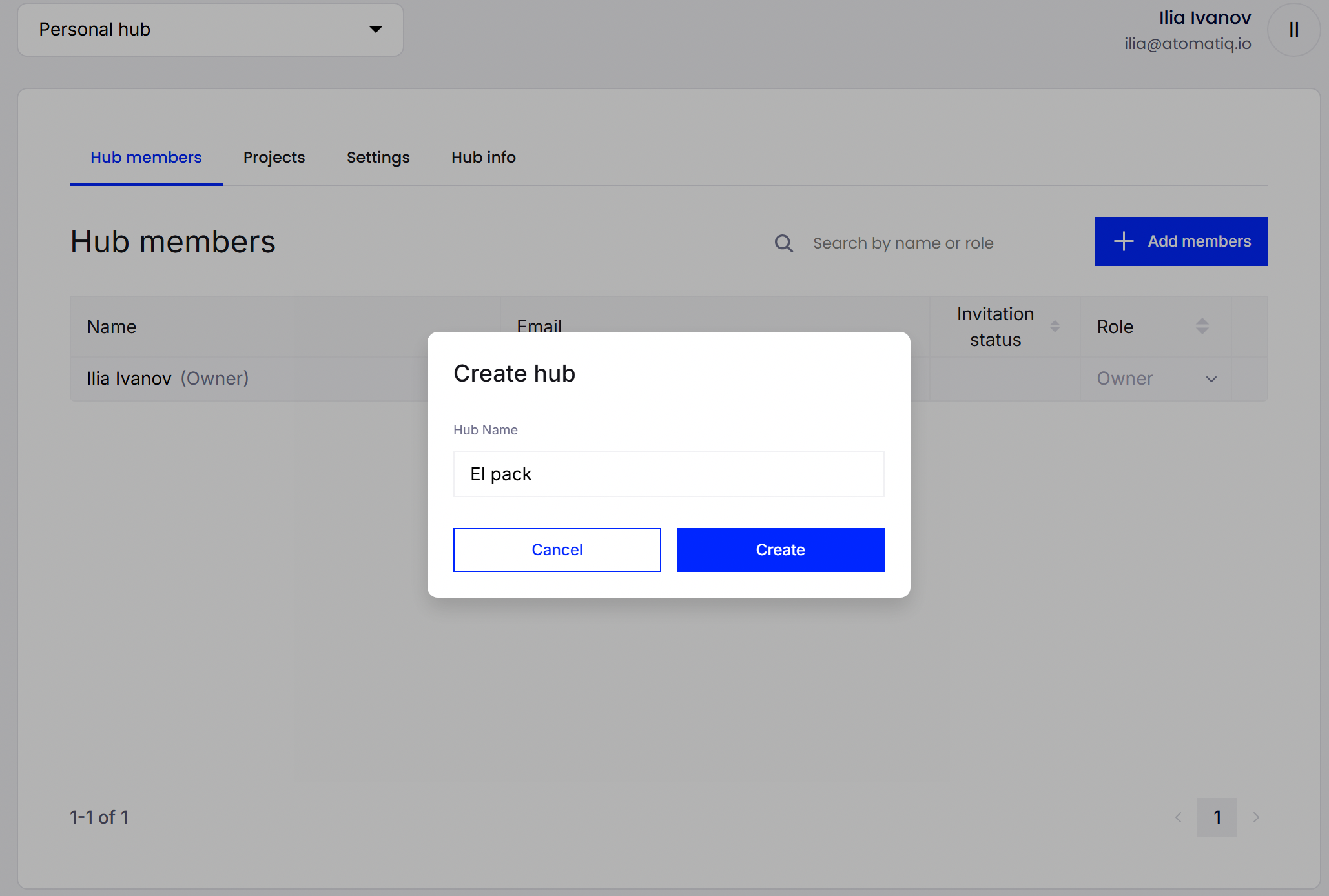
- In the Hub Manager, create a hub: enter a name.
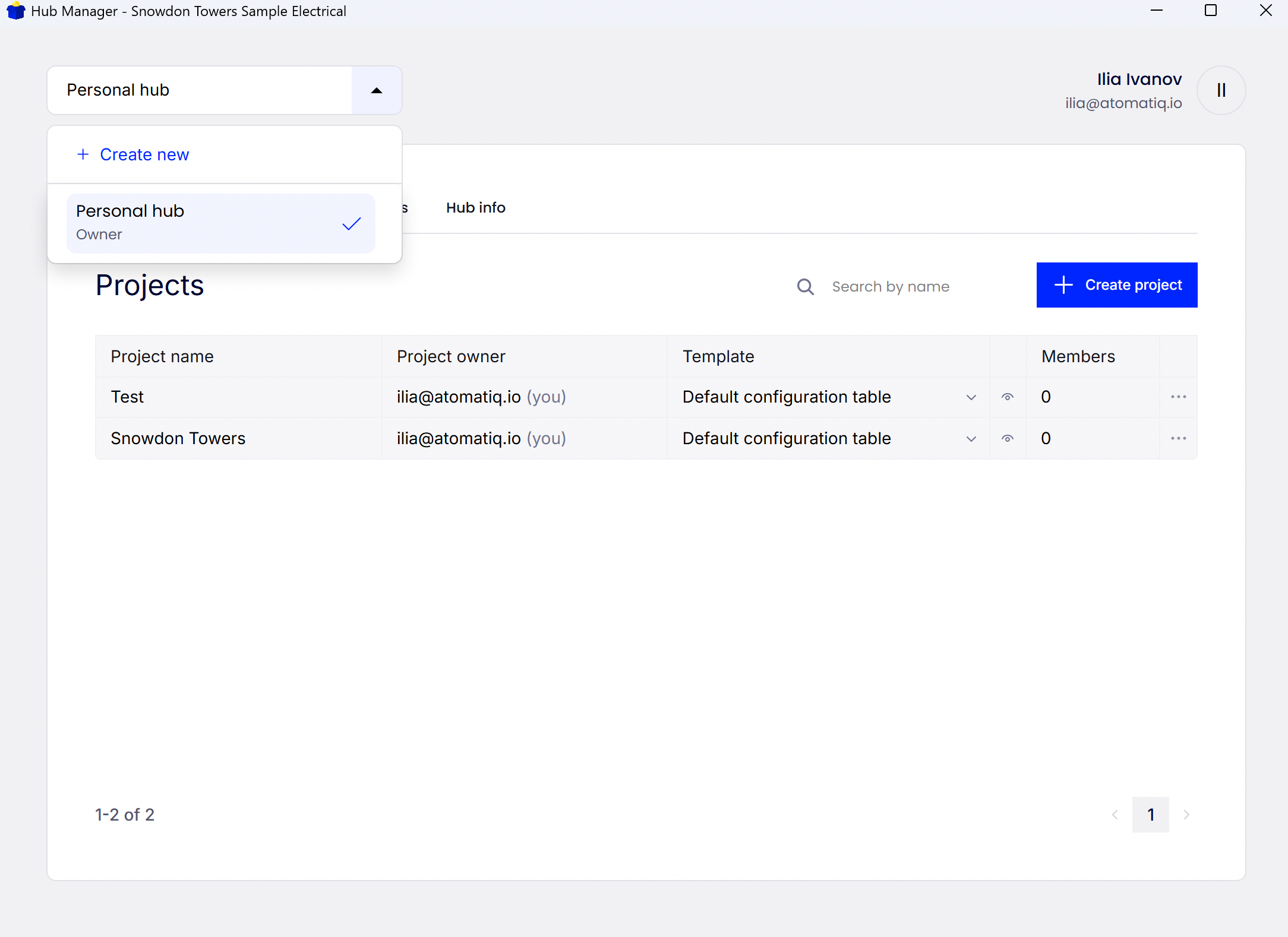
- Create a project and pick the template it calculates with.
- Connect your model to the project in the System Browser.