Hub info: units and transformer Z1 unit
The Hub info tab of the Hub Manager holds the settings of the whole hub. Open Hubs on the ElectricalPack tab and choose Hub info, next to Hub members, Projects and Settings.
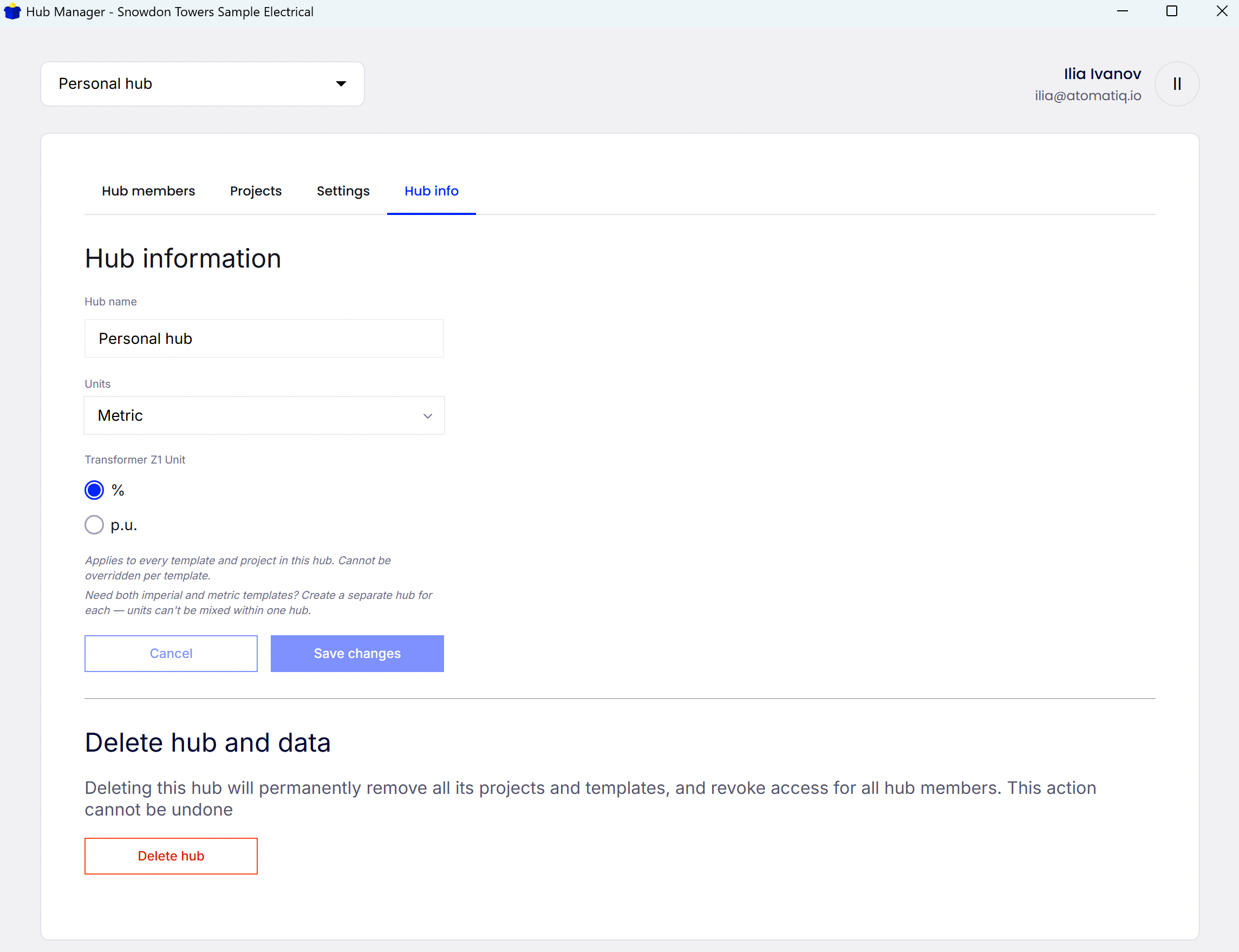
Hub information
| Settings | Options | What it changes |
|---|---|---|
| Units | Imperial, Metric | The units of every settings table, template and result of the hub, for example circuit lengths in feet or metres (see Measurement system of a hub). |
| Transformer Z1 Unit | %, p.u. | The unit of the transformer impedance Z1: a percentage or per unit. |
Both settings apply to every template and project in the hub, and a template cannot override them. Click Save changes; the Hub Manager shows Hub settings saved.
Tip: Need imperial and metric templates? Create a separate hub for each: units cannot be mixed within one hub.
Delete a hub
- In Delete hub and data, click Delete hub.
- Confirm. The hub, all its projects, templates and calculation configurations are permanently removed.
This cannot be undone. Models connected to a project of the deleted hub must be connected to another project (see Connecting a model to a project).