Drawing conduits along circuits
- Select one or more circuits in the model or in the System Browser. Each circuit needs a circuit path; draw one in Revit if it has none.
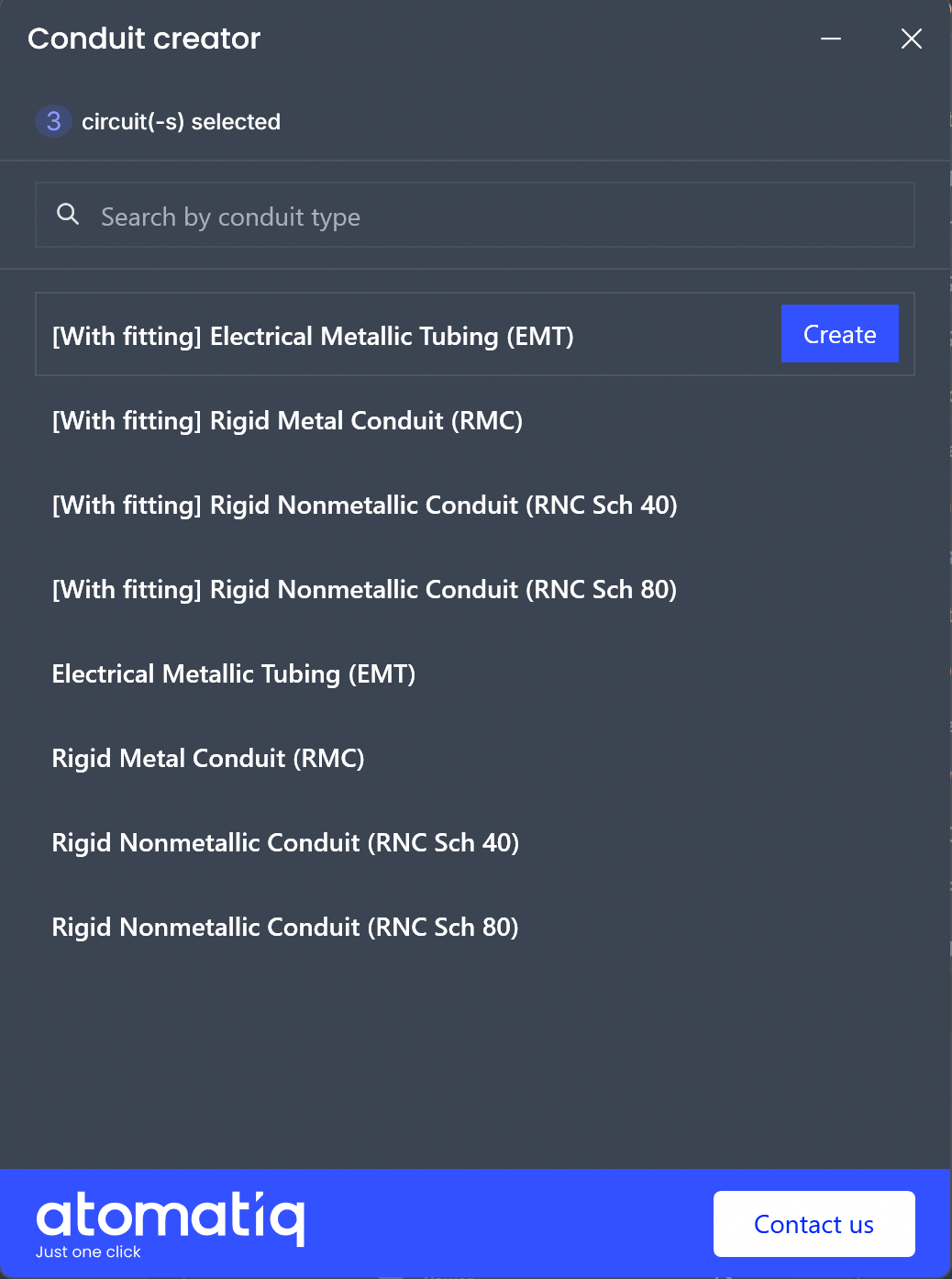
- On the ElectricalPack tab, click Conduits. The Conduit creator window shows how many circuits are selected.
- Find a conduit type, or type part of its name in Search by conduit type. Types with elbows come first, marked [With fitting].
- Point at the type and click Create.
Each segment of a path becomes a conduit, joined at bends by the elbow of the type, on the level of its circuit. Every conduit and elbow gets the circuit number as its Mark. The whole run is one undo step, Create conduits.
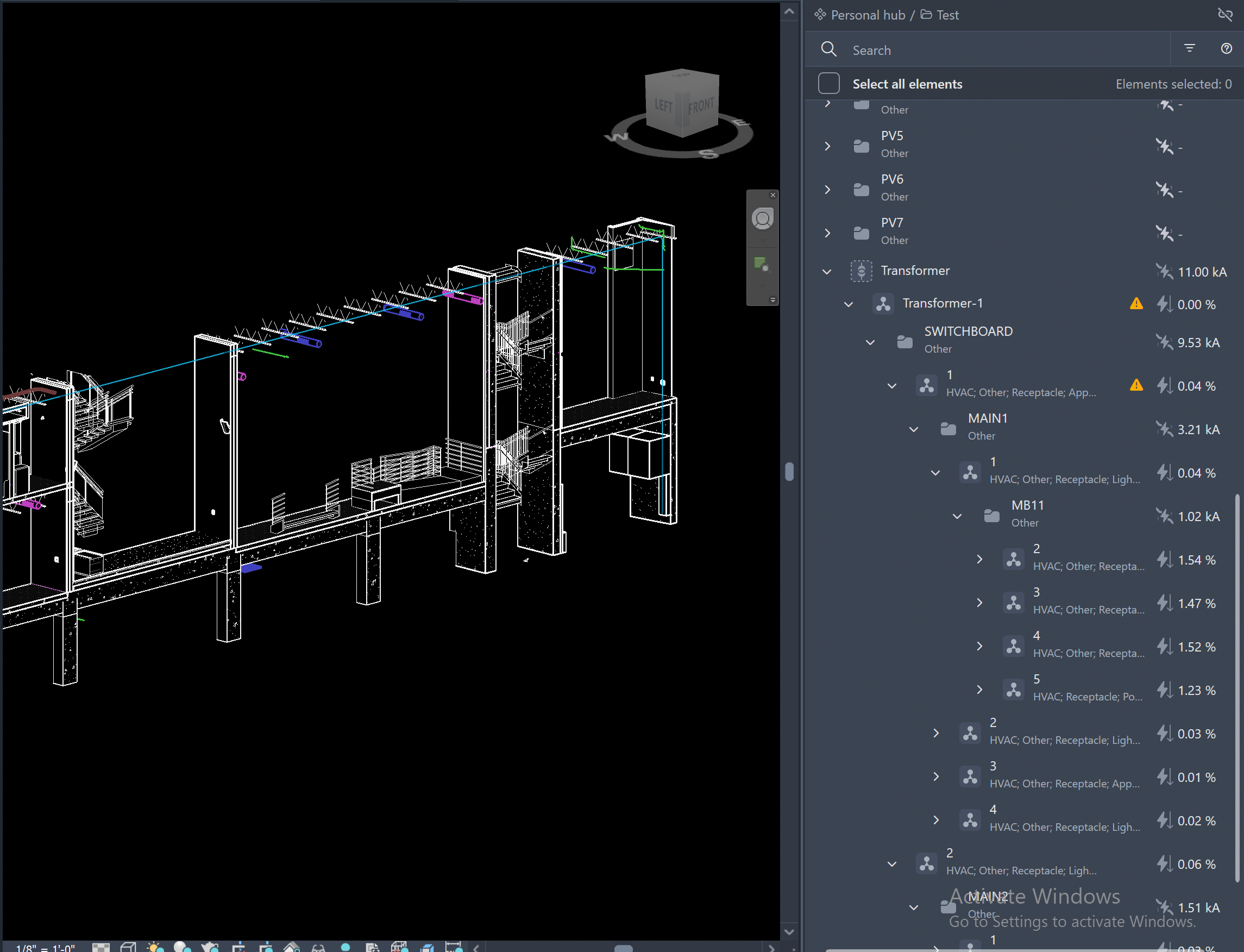
Note: With no selected circuit that has a path, you see No available electrical systems. Add new system or select it in Systems browser.