Selecting, searching and filtering
Selection in the tree and in Revit follow each other.
- Click a row to select its element.
- Shift+click a second row to select every row in between.
- Select all elements selects every row the search and filters show; the counter shows how many are selected.
- Right-click a row for Expand, Collapse and Show (select and zoom to the element).
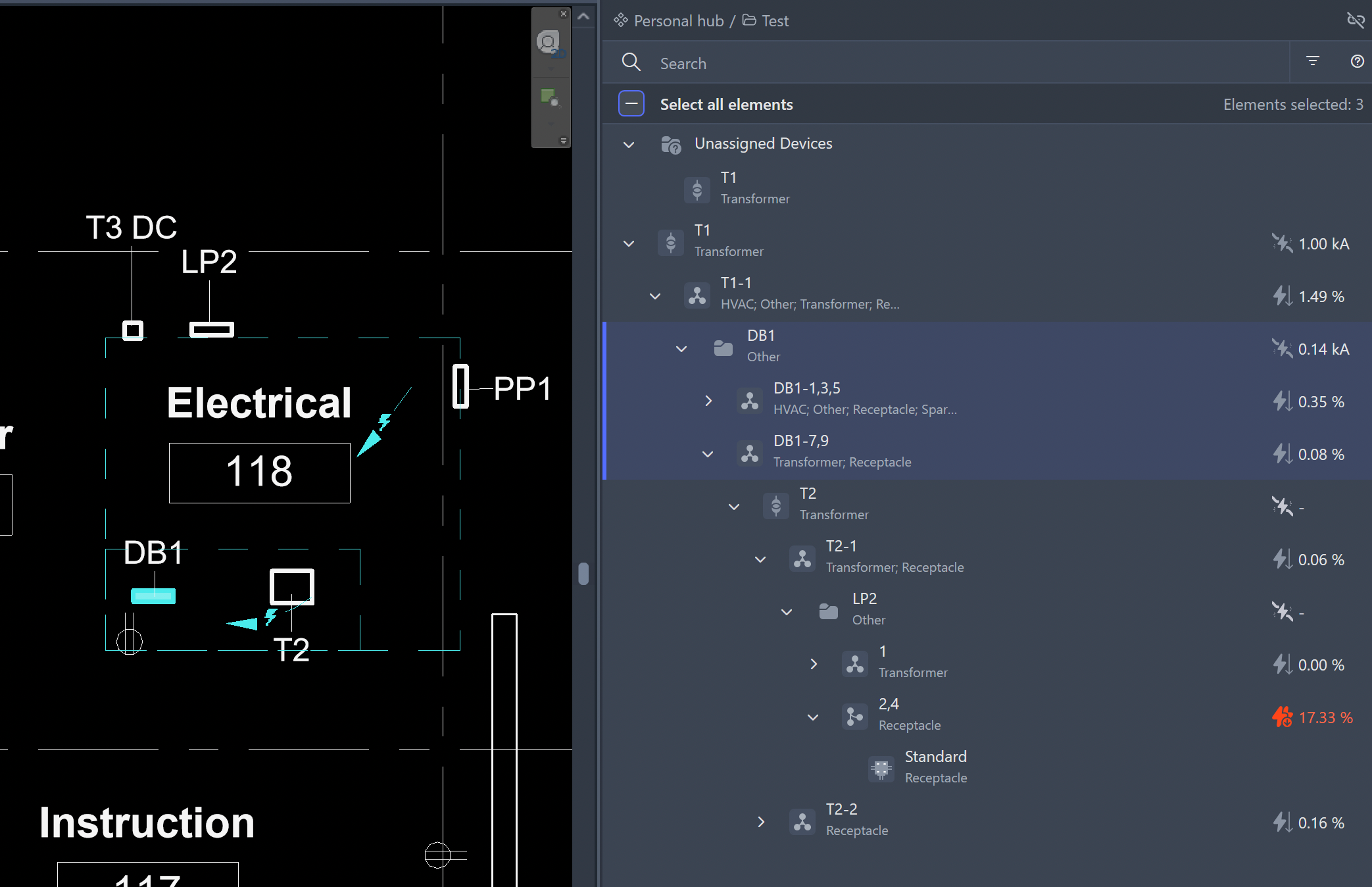
Search: type in Search to narrow the tree to matching rows and their children.
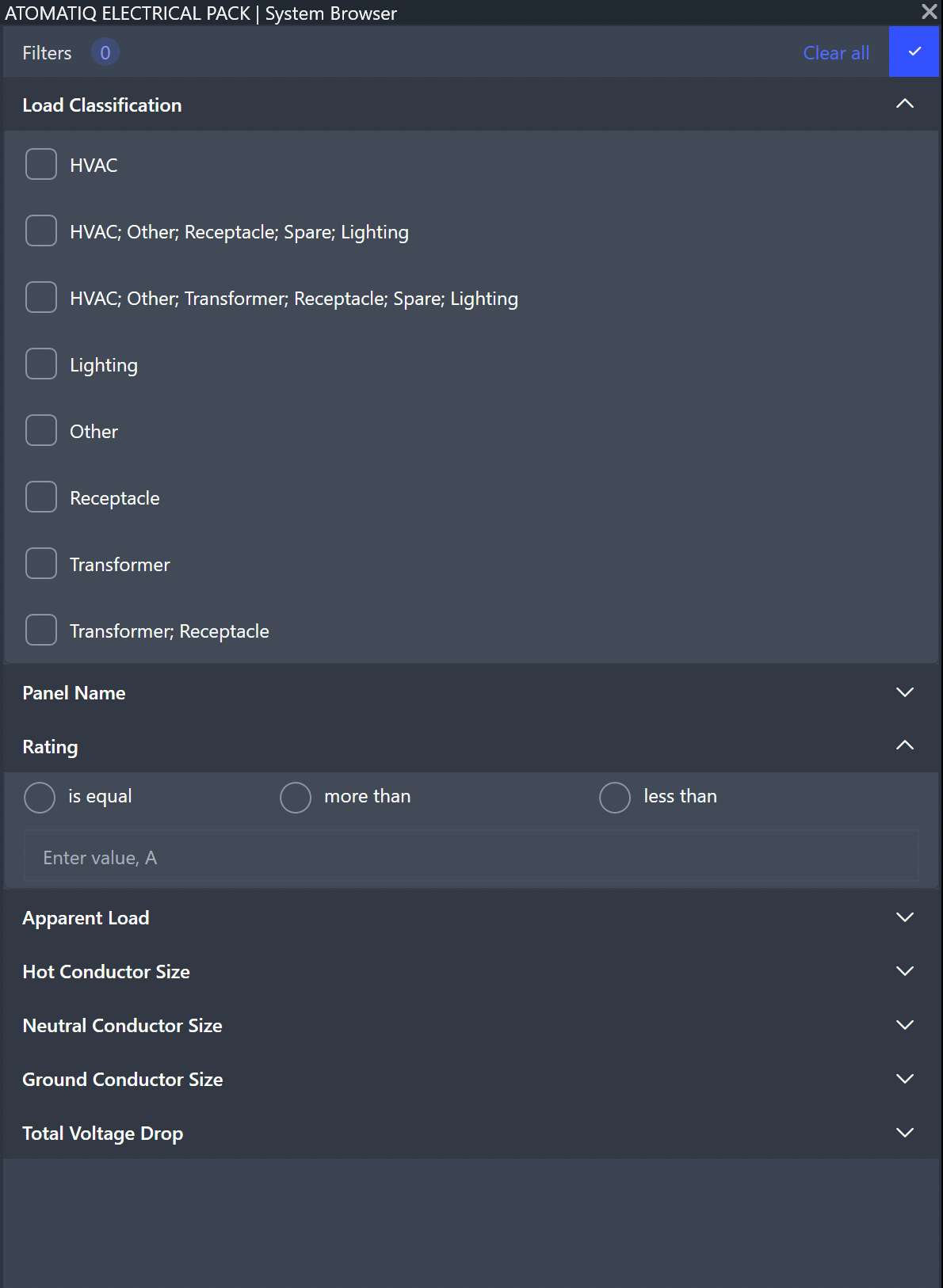
Filters: click the filter button next to Search to filter by Load Classification, Panel Name, Rating, Apparent Load, Hot, Neutral and Ground Conductor Size, or Total Voltage Drop. Click the check mark to apply, Clear all to remove every filter.
The expanded rows are remembered per model on your computer.